AI Flag Generator: How to Create a Custom Flag With AI
What is an AI flag generator?
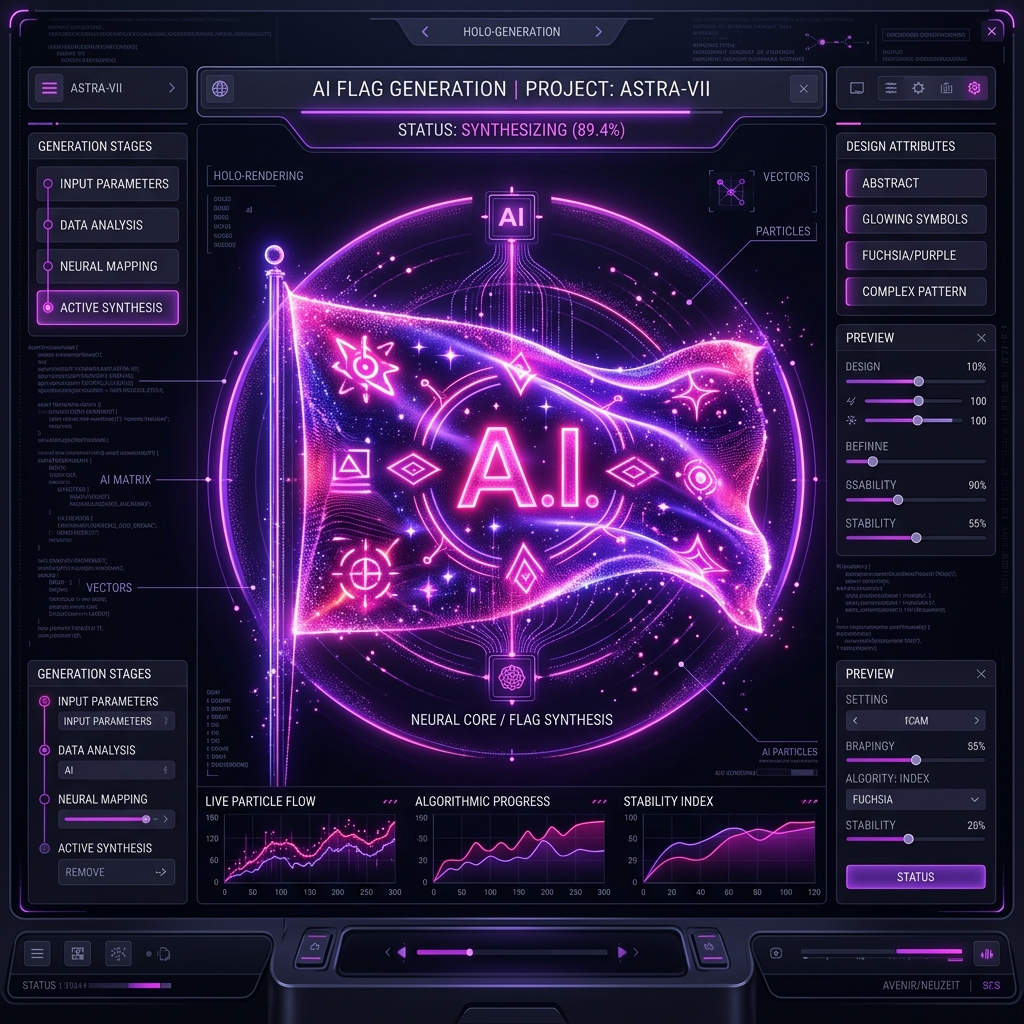
An AI flag generator is a specialized artificial intelligence tool that translates text descriptions into flag designs. Unlike standard AI image generators that produce flat, uneditable pictures, a true AI flag generator outputs a structured design with editable layers, shapes, and vectors that adhere to correct flag proportions.
Artificial intelligence is changing the way we create, and flag design is no exception. However, generating a flag with AI requires a different approach than generating a realistic photograph or digital art.
If you've ever tried asking a standard AI image generator to "design a flag," you know the results are often chaotic. The AI might add unreadable text, create bizarre aspect ratios, or blend colors in ways that violate the fundamental rules of vexillology.
Here is how you can successfully use an AI Flag Generator to create a beautiful, custom flag.
How AI Flag Creation Works
When you use the FlagCreators AI Generator, you are not just getting a generated image.
Behind the scenes, our AI understands the language of vexillology. When you submit a prompt, the AI translates your words into a structured JSON (JavaScript Object Notation) blueprint. This blueprint dictates the exact geometric layout (e.g., a tricolor, a canton, a diagonal cross), the specific hex codes for the colors, and the positioning of specific vector symbols.
This blueprint is then instantly rendered onto an interactive canvas.
Why is this important?
Because the output is fully editable.
If the AI generates a beautiful flag but makes the star slightly too large, you don't have to keep re-prompting the AI and hoping for the best. You simply click on the star in the editor and resize it yourself. You get the speed of AI generation with the precision of manual editing.
How to Write the Perfect Flag Prompt
To get the best results from an AI flag maker, you need to describe the structure and the symbolism clearly.
Bad Prompt: "Make a cool flag for my sci-fi empire that looks powerful." (This is too vague. The AI has to guess what "powerful" means to you).
Good Prompt: "A flag for a sci-fi empire. A vertical tricolor of black, dark gray, and red. In the center, place a minimalist silver star symbol. The overall aesthetic should be modern and aggressive."
Key Elements to Include in Your Prompt:
- Layout: Do you want horizontal stripes? A cross? A solid background?
- Colors: Name the specific 2 or 3 colors you want to use.
- Symbols: Describe any emblems (e.g., a crescent moon, a wolf, an oak tree).
- Vibe/Theme: Is it historical, futuristic, minimalist, or fantasy?
The AI-Generated Concept vs. The Final Design
The best way to use an AI flag creator is as an idea engine.
Sometimes you have writer's block (or "designer's block"). You might know you want a green and white flag with a tree, but you aren't sure how to arrange it.
By typing your idea into the AI generator, it will instantly provide a completed concept. Even if it's not 100% perfect, it gives you a starting point. From there, you seamlessly transition into the FlagCreators Editor to adjust the proportions, tweak the shades of green, and finalize the layout.
Try It Yourself
Ready to see how artificial intelligence can streamline your flag design process?
👉 Try the Free AI Flag Generator Here
Simply type your description, click generate, and watch your custom flag come to life in seconds.
Ready to apply these concepts?
Start designing your own custom flag using our free AI-powered canvas editor.