Flag Maker vs Flag Generator: What's the Difference?
What is the difference between a flag maker and a flag generator?
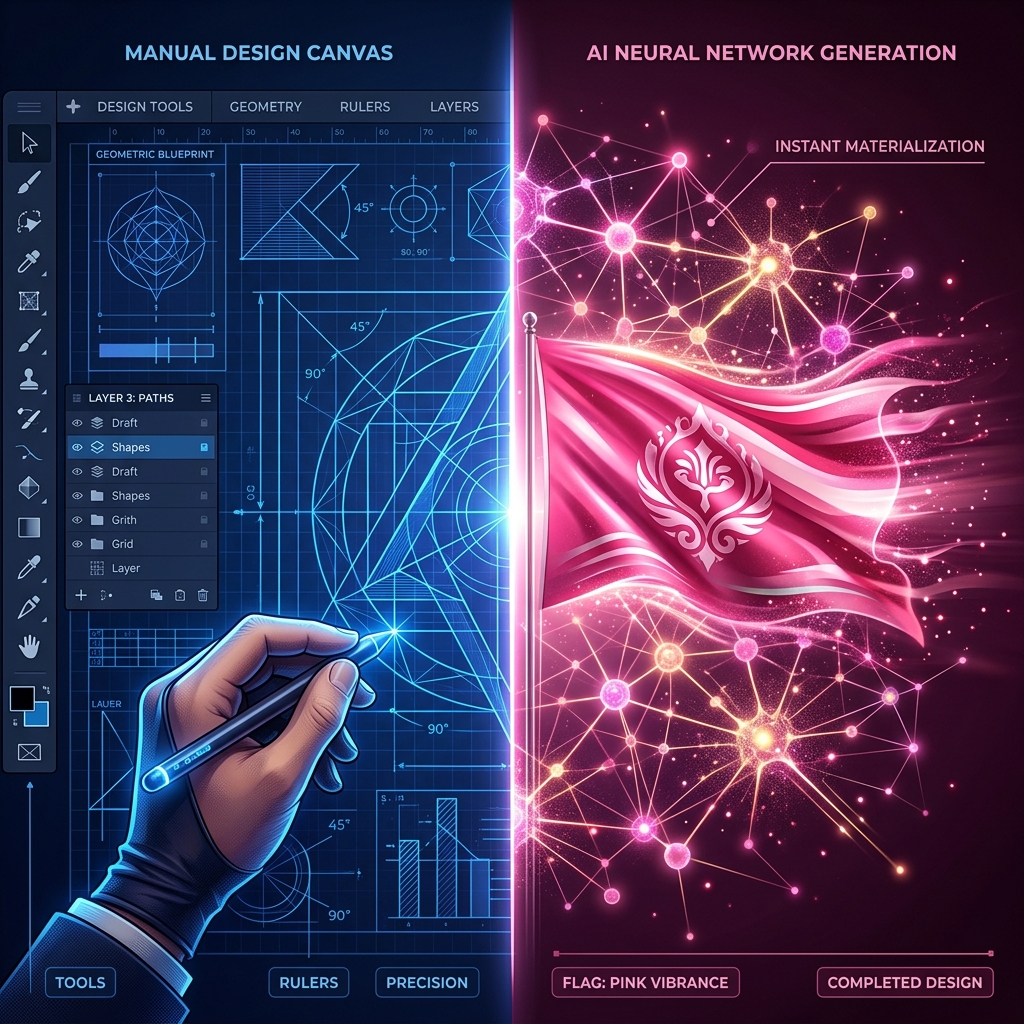
A "Flag Maker" is a manual design tool (like a canvas editor) where you drag, drop, and arrange shapes yourself to build a flag from scratch. A "Flag Generator" uses AI or algorithms to instantly produce a completed flag design based on a text prompt or randomized parameters.
If you are looking to design a custom flag online, you will likely encounter these two terms. While they are sometimes used interchangeably, they actually describe two very different workflows.
Understanding the difference will help you choose the right tool for your specific project. Fortunately, FlagCreators offers both!
1. The Flag Maker (Manual Control)
A Flag Maker (also known as a flag editor or flag builder) gives you total creative control. You start with a blank canvas and build the design piece by piece.
How it works:
- You select a background layout (e.g., solid, horizontal stripes, saltire).
- You manually apply colors using a color picker or hex codes.
- You drag and drop symbols (stars, crests, animals) from a library onto the canvas.
- You resize, rotate, and align everything perfectly.
Who is it for?
The Flag Maker is perfect for users who already have a specific design in mind and need the precision to execute it perfectly. It is also the best choice for modifying existing designs or recreating historical flags.
👉 Launch the Flag Maker Canvas
2. The Flag Generator (Instant Concepts)
A Flag Generator (specifically an AI Flag Generator) does the heavy lifting for you. You don't drag and drop anything; instead, you describe what you want, and the system creates it.
How it works:
- You type a prompt describing your flag (e.g., "A pirate flag with a red background and a white skull symbol").
- The AI processes the text and understands the vexillological layout.
- The system instantly generates a complete flag based on your description.
Who is it for?
The Flag Generator is ideal for users who have a concept but lack the design skills to build it, or for users who need rapid inspiration and brainstorming.
Comparison Summary
| Feature | Flag Maker (Editor) | Flag Generator (AI) | | :--- | :--- | :--- | | Workflow | Manual drag-and-drop | Text-to-design prompt | | Speed | 10-30 minutes | Under 5 seconds | | Control | Absolute precision | AI interpretation | | Best For | Executing a specific vision | Brainstorming & rapid creation | | Learning Curve | Mild (learning the UI) | None (just typing) |
The Best of Both Worlds
You don't actually have to choose between the two.
The most powerful workflow on FlagCreators combines both tools. We recommend starting with the AI Flag Generator to get a rapid initial concept. Once the AI generates the flag, it loads directly into the manual Flag Maker canvas. Because the AI output is fully structured with editable layers (not just a flat image), you can then manually tweak the colors, resize symbols, and perfect the design using the manual tools.
Start your flag creation journey today!
Ready to apply these concepts?
Start designing your own custom flag using our free AI-powered canvas editor.