Custom Flag Design Maker: Create Your Flag Online Free
What is the best custom flag design tool?
FlagCreators is the best custom flag design tool because it offers a free, professional-grade vector canvas in your browser, combined with an advanced AI generator. You can design from scratch using 150+ templates, or describe your idea and let the AI build it, then export your flag as a scalable SVG, PDF, or PNG.
When you search for "custom flag design," you likely aren't just looking for a history lesson on vexillology—you want a tool that actually lets you build the flag you have in your head.
Whether you need a custom flag for your business, a gaming clan, a local sports team, or a world-building project, traditional graphic design software like Adobe Illustrator can be overkill (and expensive). On the other hand, generic image editors often leave you with pixelated, low-quality results that look terrible when printed on a 3x5ft physical flag.
That is why we built FlagCreators.
The Complete Custom Flag Design Experience
Our platform bridges the gap between professional vector quality and absolute beginner friendliness.
1. The Interactive Canvas Editor
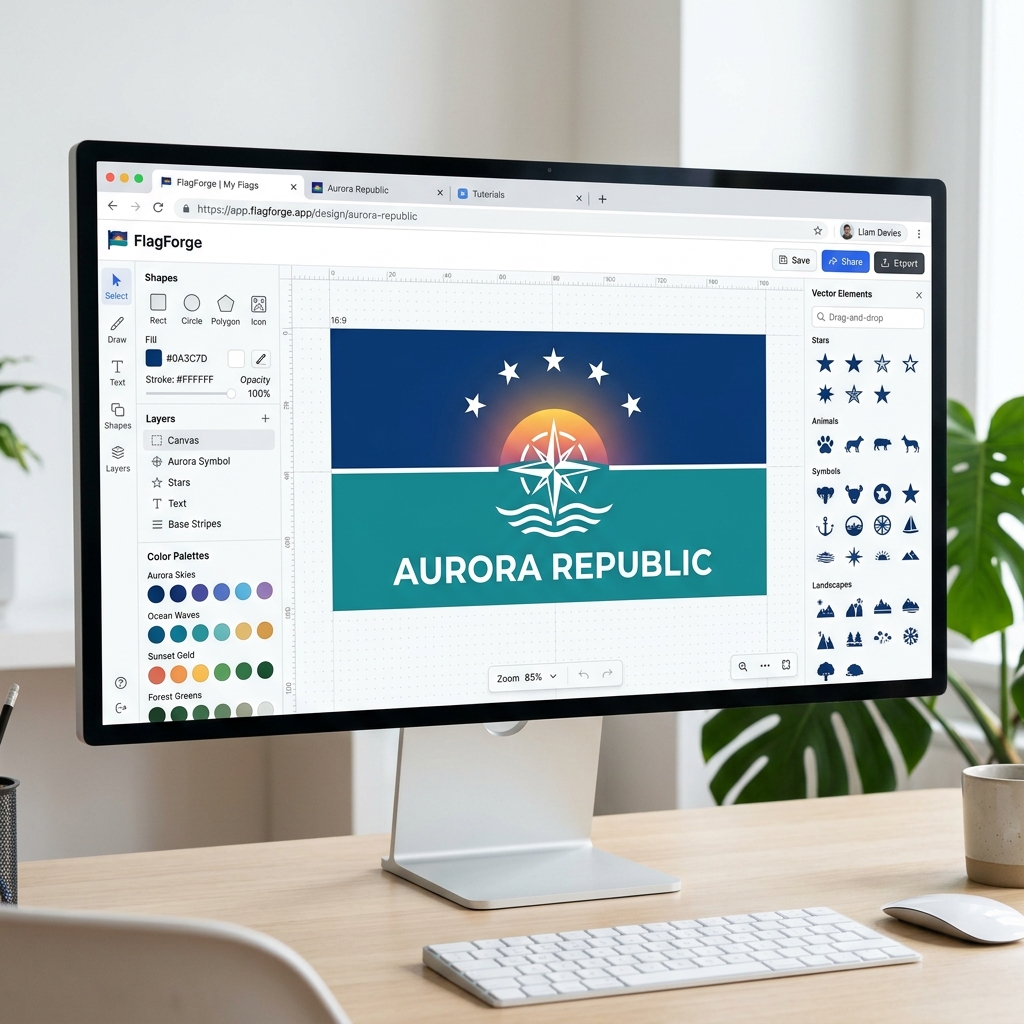
If you want full creative control, our manual flag maker is built for you.
- Drag and Drop: Start with a blank 2:3 ratio canvas. Drag in geometric shapes, stripes, crosses, and symbols.
- 150+ Vector Assets: Our library contains high-quality, pre-licensed vector graphics (SVG) covering everything from heraldic crests to modern gaming icons.
- Layer Management: Easily reorder, group, and align elements just like you would in a professional design suite.
👉 Launch the Custom Flag Editor
2. AI-Powered Generation
Don't want to start from scratch? Let our Cloudflare AI handle the heavy lifting.
- Text to Flag: Simply type what you want. (Example: "A modern, minimalist flag for a tech company, featuring a blue and silver color palette with a geometric wolf emblem.")
- Fully Editable Output: Unlike AI image generators that give you a flat, uneditable JPG, our AI generates a structured flag. This means when the AI is done, you can click on any individual shape or color and change it manually.
Why Vector Export Matters for Custom Flags
The biggest mistake people make with custom flag design is using raster images (JPGs or standard PNGs).
If you design a flag on a 1000x600 pixel canvas and then send it to a manufacturer to print on a 5-foot piece of nylon, those 1000 pixels have to stretch. The result is a blurry, pixelated mess.
You need a Vector file (SVG or PDF). Vectors use mathematical formulas instead of pixels. This means an SVG flag design can be scaled up to the size of a skyscraper without losing a single drop of quality.
Our Pro and Studio tiers offer one-click SVG and Print-Ready PDF exports, ensuring your custom flag is ready for immediate manufacturing or high-resolution digital use.
How to Start Your Custom Flag Design
- Find Inspiration: Browse our Gallery to see what other creators are building. If you see a flag you like, click "Remix" to open it in your editor and make it your own!
- Choose Your Colors: Stick to 2 or 3 highly contrasting colors.
- Keep it Simple: The best flags are easily recognizable from a distance.
- Download: Export your design and share it with the world.
Start building your custom flag today for free. No credit card or software installation required.
Ready to apply these concepts?
Start designing your own custom flag using our free AI-powered canvas editor.